

DIALux evo 14.1
DIALux evo is a free, professional lighting design software for Windows 10 and 11 that lets architects, electricians, and designers plan indoor, outdoor, emergency, and street lighting with realistic 3D visualizations. The latest version 14 introduces a room-by-room calculation method for faster work on large projects, plus improved BIM/IFC export and scope boxes for clearer navigation. It includes access to over 2.5 million luminaires from 450+ manufacturers, daylight simulation, and compliance with standards like EN 1838 and EN 13201. The free version is limited to DIALux Member luminaires; unlocking non-member brands costs €5.99–€9.99/month, while DIALux Pro (€19.99–€29.99/month) adds IFC import/export and unlimited luminaire selection. It remains the market leader with roughly 70% share, though Relux Desktop is a solid alternative for Mac users.
- Free
- Windows
- Nov 10, 2026
Screenshots
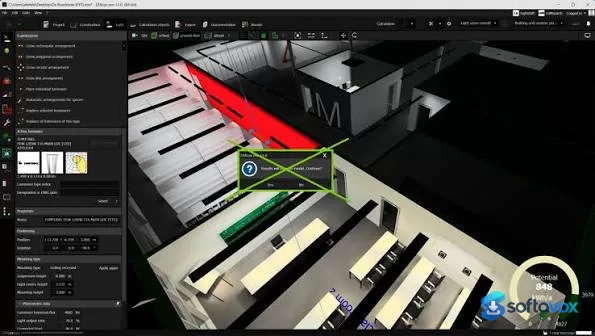
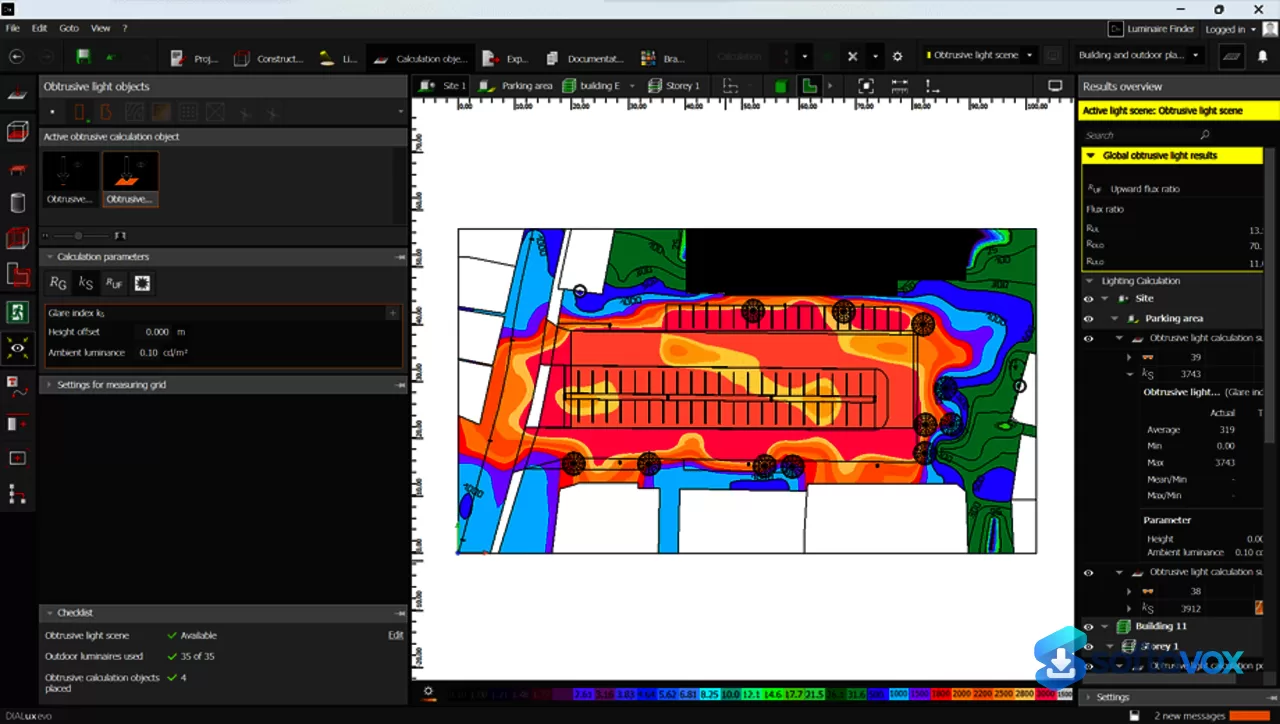
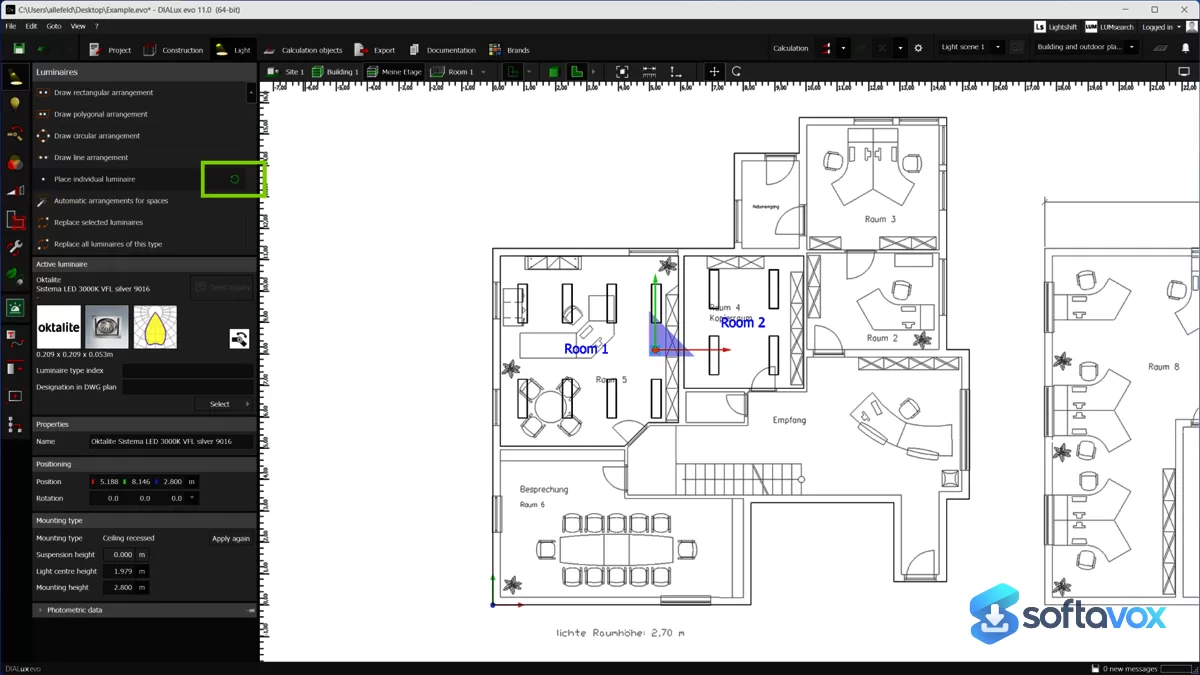
About DIALux evo
DIALux evo Download, Professional Lighting Design Software
TL;DR Quick Take / Who is this for?
DIALux evo is the world’s leading lighting design software, and it remains the standard tool for architects, lighting designers, and electrical engineers who need to plan, calculate, and visualize light for indoor and outdoor spaces[reference:0]. The current release is DIALux evo 14.1 (version 5.14.1.0), which introduced room-by-room calculation for faster work on complex projects, enhanced IFC export for smoother collaboration, and clearer room views with scope boxes[reference:1][reference:2]. The core application is free to use, funded by membership fees from over 450 luminaire manufacturers, which gives users access to a massive library of real photometric data from major brands[reference:3][reference:4]. The trade-offs are significant. The free version restricts luminaire selection to products from DIALux Members only, forcing anyone who needs non-member brands to pay for a Pro subscription or the standalone “Unlock Non-Members” feature[reference:5]. The software is also Windows-only, requires a fairly modern machine, and has a well-documented history of crashing on complex 3DS imports and large BIM files[reference:6][reference:7]. DIALux evo is the right pick for professionals and students who want a powerful, standards-compliant lighting design tool without paying for the core software. It is not the best choice for Mac users, casual users who only need occasional lighting calculations, or anyone who cannot work within the Member-only luminaire restriction.
Quick Info Box
| License Type | Free core software; Pro subscription from €19.99–€29.99/month for advanced features and non-member luminaires |
|---|---|
| File Size | Approx. 429–524 MB (installer, varies by version) |
| OS Compatibility | Windows 10 (Build 1809+) and Windows 11 (64-bit only); no native macOS version |
| Latest Version | DIALux evo 14.1 (5.14.1.0, released 05/11/2026) |
| Developer | DIAL GmbH (Lüdenscheid, Germany) |
Key Features & Real-World Usability
DIALux evo is built around a complete lighting design workflow, from geometry creation to photorealistic visualization and normative documentation. The software supports simulation of both artificial and daylight lighting for single rooms, whole buildings, streets, and outdoor areas, and it includes functions to assess energy consumption and energy-saving potential over the course of a year by accounting for daylight influence and control systems[reference:8]. The 14.1 release added room-by-room calculation, which lets you calculate individual rooms and spaces specifically without reprocessing an entire building, and this dramatically speeds up work on large projects[reference:9]. The enhanced IFC export improves collaboration with BIM workflows, and the new scope boxes give clearer room views for navigation and presentation[reference:10]. The luminaire library is the software’s other major strength. The free version includes products from more than 450 DIALux Member manufacturers, and some manufacturers provide compiled catalogues that can be downloaded directly within the software[reference:11]. For users who need brands outside that list, the Pro subscription or the “Unlock Non-Members” add-on removes the restriction, but this is a paid feature that many users discover only after starting a project[reference:12]. The limitations are practical and well documented. The interface is functional but not modern, with limited customization options compared with some competitors[reference:13]. Performance is the most common complaint: users report crashes when importing complex 3DS models, very low GPU utilization that slows light-view generation, and projects that fail to calculate entirely because of heavy geometry[reference:14]. The software is also Windows-only, and Mac users have to run it through Parallels Desktop or a similar virtualization tool[reference:15].
- Complete lighting simulation: Design and calculate artificial and daylight lighting for indoor rooms, entire buildings, streets, and outdoor environments, with normative verification built in[reference:16].
- Room-by-room calculation (v14): Calculate individual rooms and spaces independently for faster iteration on large projects, with optimized room views for easier navigation[reference:17].
- Massive Member luminaire library: Access photometric data from more than 450 DIALux Member manufacturers in the free version, with downloadable catalogues from major brands[reference:18].
- Realistic visualization: Generate night renders and light views that accurately represent the designed lighting scene, useful for client presentations and design validation[reference:19].
- Energy and daylight analysis: Assess annual energy consumption and energy-saving potential by modeling daylight influence and control systems[reference:20].
- IFC and BIM collaboration: Enhanced IFC export supports smoother data exchange with Autodesk Revit and other BIM tools, and the DIALux Bridge add-on imports designs directly into Revit (requires Pro)[reference:21][reference:22].
- Multi-language support: The interface is available in 26 languages, including English, German, French, Spanish, Chinese, Japanese, and many others[reference:23].
Pros, Cons & Community/User Feedback
User sentiment around DIALux evo is positive on capability and value, but critical of stability and the Member-only luminaire restriction. On G2, the product holds a 4.2 out of 5 rating from 12 reviews, with users praising its ability to simulate any lighting system and its “realistic night renders and rich library,” while noting that “space drawing and modeling can be complicated”[reference:24]. A comparative academic study found that DIALux evo “stands out for its accessibility and operational speed” compared with Relux, though Relux offers “greater normative stability and more consistent photometric values” in interior environments[reference:25]. A 2025 review in ScienceDirect concluded that DIALux evo demonstrates “high efficacy in static lighting validation scenarios,” but that “limitations in curved surface modeling and high computational demands constrain its applicability in complex spaces”[reference:26]. The complaints fall into three categories. First, stability and performance: community forum users report sudden crashes without apparent cause, lost work when the application freezes, and projects that cannot be calculated at all because of complex 3DS objects[reference:27]. A LinkedIn discussion on BIM-to-DIALux workflows notes that “large file size… may cause the software to crash”[reference:28]. Second, the Member-only luminaire policy: since March 2024, the free version only allows planning and calculation with luminaires from DIALux Members, and users who need non-member brands must purchase the Pro subscription or the Unlock Non-Members add-on[reference:29]. This is a recurring source of frustration because the restriction is not always obvious before a project begins. Third, platform and interface: the software is Windows-only, the interface has limited customization, and Mac users must rely on virtualization[reference:30][reference:31]. The practical takeaway is that DIALux evo’s simulation engine and luminaire library are genuinely best-in-class for free lighting design software, while its crash-prone handling of complex geometry and the Member-only restriction are the areas where user expectations should be managed.
Pros
- Powerful, standards-compliant lighting simulation for indoor, outdoor, and street lighting
- Free core software with access to photometric data from over 450 Member manufacturers
- Room-by-room calculation in v14 speeds up work on large, multi-room projects
- Realistic night renders and light views for client presentations
- Enhanced IFC export and Revit Bridge support for BIM collaboration
- Available in 26 languages with regional and international standards included
- Strong academic validation for static lighting validation and energy analysis
Cons
- Free version restricts luminaires to DIALux Members only; non-member brands require a paid Pro subscription
- Crashes and performance issues reported with complex 3DS imports and large BIM files
- Low GPU utilization can make light-view generation slow on large projects
- Windows-only; no native macOS version, and Mac users must use virtualization
- Curved surface modeling and complex spaces are a known limitation
- Interface customization is limited compared with some competitors
- Some users report lost work when the application freezes without warning
Final Verdict & Safe Download Advice
DIALux evo is the most accessible professional lighting design tool available, and for many users it is the only software they will ever need. The free version covers the full simulation workflow, geometry, calculation, visualization, and normative verification, and the Member luminaire library is large enough to handle most everyday projects without paying anything. The 14.1 release improves the experience with room-by-room calculation and better BIM collaboration, and the academic evidence supports its accuracy for static lighting validation. If you are a lighting designer, architect, or engineering student working on Windows, DIALux evo is the sensible default, and the free tier is genuinely usable rather than a crippled demo. The caveats are real. The Member-only luminaire restriction is a hard limit that forces some users into a subscription, the software crashes on complex geometry, and it is Windows-only. If you need non-member brands, work extensively with curved surfaces or very large BIM models, or you are on a Mac, you should evaluate the Pro subscription and test the software on your actual project files before committing. Download the free version, load a representative project, and confirm that it handles your geometry and luminaire requirements. If it does, DIALux evo delivers professional-grade lighting design at no cost for the core features.
- Download only from dialux.com: The official DIALux website distributes the installer directly. DIAL GmbH states that it ensures the setup is virus-free before each release, and third-party mirror sites may host outdated builds or repackaged installers[reference:32].
- Verify the installer size and version: The installer is approximately 429–524 MB depending on the version, and the current release is DIALux evo 14.1 (5.14.1.0). A dramatically smaller file or an older version number is a warning sign[reference:33][reference:34].
- Check system requirements before installing: DIALux evo requires Windows 10 (Build 1809 or later) or Windows 11 (64-bit), a CPU with SSE2 support, at least 4 GB of RAM (2 GB minimum), an OpenGL 3.2 graphics card with 1 GB of VRAM, and a display resolution of at least 1920 × 1080 px[reference:35].
- Understand the Member luminaire restriction before starting a project: Since March 2024, the free version only supports luminaires from DIALux Members. If your project requires non-member brands, you will need the Pro subscription or the Unlock Non-Members add-on. Check the manufacturer list before you begin[reference:36].
- Save frequently and test with your own geometry: Users report crashes and lost work with complex 3DS imports and large BIM files. Save your project often, and test a representative model before committing hours of work to a single file[reference:37].
Similar software

Key features
- Free core lighting design software, professional simulation of artificial and daylight lighting for indoor, outdoor, and street spaces
- Room-by-room calculation (v14.1), calculate individual rooms independently for faster work on large projects
- Massive Member luminaire library, photometric data from 450+ DIALux Member manufacturers included in the free version
- Realistic visualization, night renders and light views for client presentations and design validation
- Energy and daylight analysis, assess annual energy consumption and savings potential
- Enhanced IFC export and BIM collaboration, improved data exchange with Revit and other BIM tools; Revit Bridge add-on available with Pro
- Multi-language interface, available in 26 languages
Frequently asked questions about DIALux evo
Is DIALux evo free?
Is DIALux evo safe to install?
What systems does DIALux evo run on?
What is DIALux evo used for?
Can I open my DIALux evo project in another lighting program?
How do I update or uninstall DIALux evo?
Versions
| Version | Release date | Platform | File size | |
|---|---|---|---|---|
| DIALux evo 14.1 Latest version | Apr 23, 2026 | Windows | 430.0 MB | Download |
Comments about DIALux evo
No comments yet. Share your experience with this program!